
Multi-chain assets and networks
Before viewing assets across networks, understand how networks differ, how addresses relate, and how confirmations work. A familiar address format does not mean two networks are the same.
Learn more →
imtoken
A multi-chain wallet, blockchain network and Web3 knowledge hub from imtoken
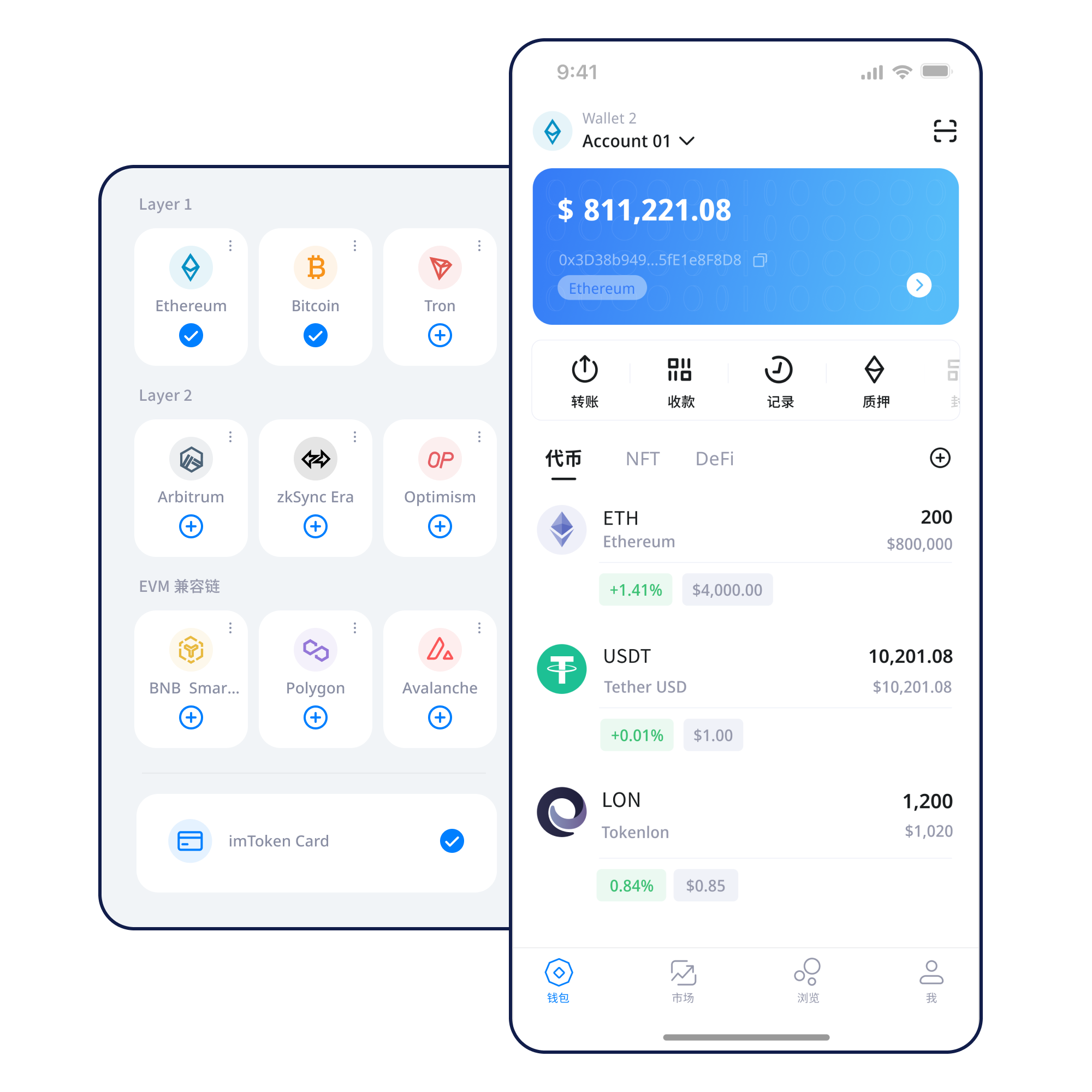
From multi-chain assets, network selection, sending and receiving to DApp connections, token approvals, network concepts, and wallet security, imtoken brings day-to-day actions and on-chain verification into one clear learning path.
Quick start
Wallet capabilities
Different tasks need different levels of detail. Explore multi-chain assets, mobile use, transfers, browser connections, and security principles from distinct angles.
Before viewing assets across networks, understand how networks differ, how addresses relate, and how confirmations work. A familiar address format does not mean two networks are the same.
Learn more →View assets, switch networks, inspect transaction history, and confirm the request source before connecting to a DApp from a mobile device.
Check the network and receiving address; when sending, review the asset, amount, gas, and keep the transaction hash for later verification.
Learn more →Browser connections make Web3 apps accessible. Review each signature and approval independently rather than trusting later requests simply because a site is already connected.
Learn more →
Seed phrases and private keys remain under the user’s control. Offline backups, approval reviews, device security, and transaction checks work together as everyday safeguards.
Learn more →Blockchain networks
One wallet can participate in multiple networks, but assets, gas, and confirmation records remain network-specific.
Learn more →Nodes use consensus to maintain blocks and transactions, while block explorers let users independently review public chain state.
Learn more →
EVM-compatible networks share many address and contract concepts, but chain IDs, gas, and assets still need individual verification.
Learn more →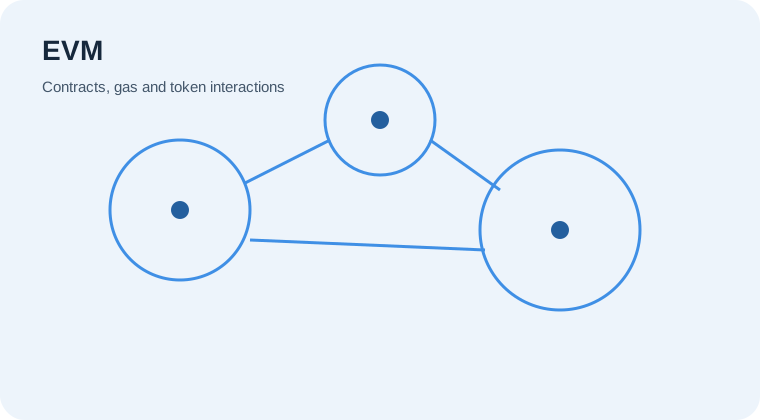
Layer 2 systems have a defined relationship with mainnet; cross-layer transfers may involve bridges, waiting periods, and different confirmation paths.
Learn more →
Gas reflects execution cost on a network, while confirmation counts help describe how a transaction has progressed after block inclusion.
Learn more →Wallet journey
Button labels change, but the sequence of understanding, checking, and verifying can be reused across networks and applications.
Use the download entry on this site rather than obtaining installation files from unknown sources.
Use a device environment you control before creating a new account or importing an existing wallet.
Keep the seed phrase offline; avoid screenshots, cloud uploads, and sharing private keys.
Confirm that the network name, asset, and destination address belong to the intended environment.
Check receiving information; before sending, review the address, network, amount, and gas.
Keep transaction hashes, verify on-chain status, and periodically review DApp approvals you no longer need.
Web3 & DApp
Web3 apps can ask a wallet for account access, signatures, or contract interactions. Separating these stages makes permissions and risks easier to understand.
Learn more →Security
Wallet security is not a promise of absolute protection. It is a set of repeatable habits: keep seed phrases and private keys under your control; remember that staff will not ask for them; verify the address, network, and amount before transferring; read signature prompts; check approval targets and limits; and review permissions you no longer need. On-chain transactions are generally not reversible by a wallet alone, and third-party DApps or smart contracts can carry risk.
Open the Security Center →Academy
Start with addresses, seed phrases, private keys, networks, and gas. Then connect those basics to transaction hashes, DApps, and approvals. The goal is to know when an action is expected and when you should stop to verify it.
Read the getting-started guide →Ethereum
Ethereum PoS uses validators to participate in network consensus. Understanding reward sources, network state, withdrawals, and exits is more useful than focusing only on a headline rate. Staking does not guarantee returns, rewards can change, and exits can involve waiting periods.
Learn more →Product & security updates
Content is organised around assets, networks, transactions, and security checks.
→Network NoticeVerify the destination chain before cross-network actionsA similar address format does not mean assets exist on the same network.
→Security NoticeNever give a seed phrase or private key to anyoneStaff will not ask for these credentials or require them in a web form.
→Service NoticeDownloads use the single download.html entryA download begins only after the user actively selects a download button.
→FAQ
No. Staff will not ask for your seed phrase, private key, or verification code.
Confirm the address, network, asset, amount, gas, and the exact transaction request.
It lets you review transaction status and confirmations in the correct block explorer.
No. Connection, signing, approval, and transfer are separate actions and should be reviewed separately.
Each Layer 2 can have a different asset path, bridge, and confirmation process.
No. Rewards can change and participation may involve exit delays, protocol penalties, technical risk, and price volatility.
imtoken
All download buttons lead to this site’s download.html entry. Before you begin, understand seed-phrase backup, network selection, and transaction checks.